
HP Address Settings is an OpenCart module that is used specifically to delete customer address data automatically with certain dynamic restrictions.
Pre Install
- Please follow pre install section here if you haven't proceed one before: https://bariklabs.com/pre-install
- After completing the above steps, you can proceed with the installation as follows:
NB: You can disable base theme modification after installation.
Installation
- Download and extract the Mobile Address Settings module.
- Access Installer Extension, Extension → Installer.
- Upload file: upload.ocmod.zip on the extracted HP Address Settings.
- Wait until the process is complete.
- Install by: Access to the module page. Click install and edit on HP Address Settings.
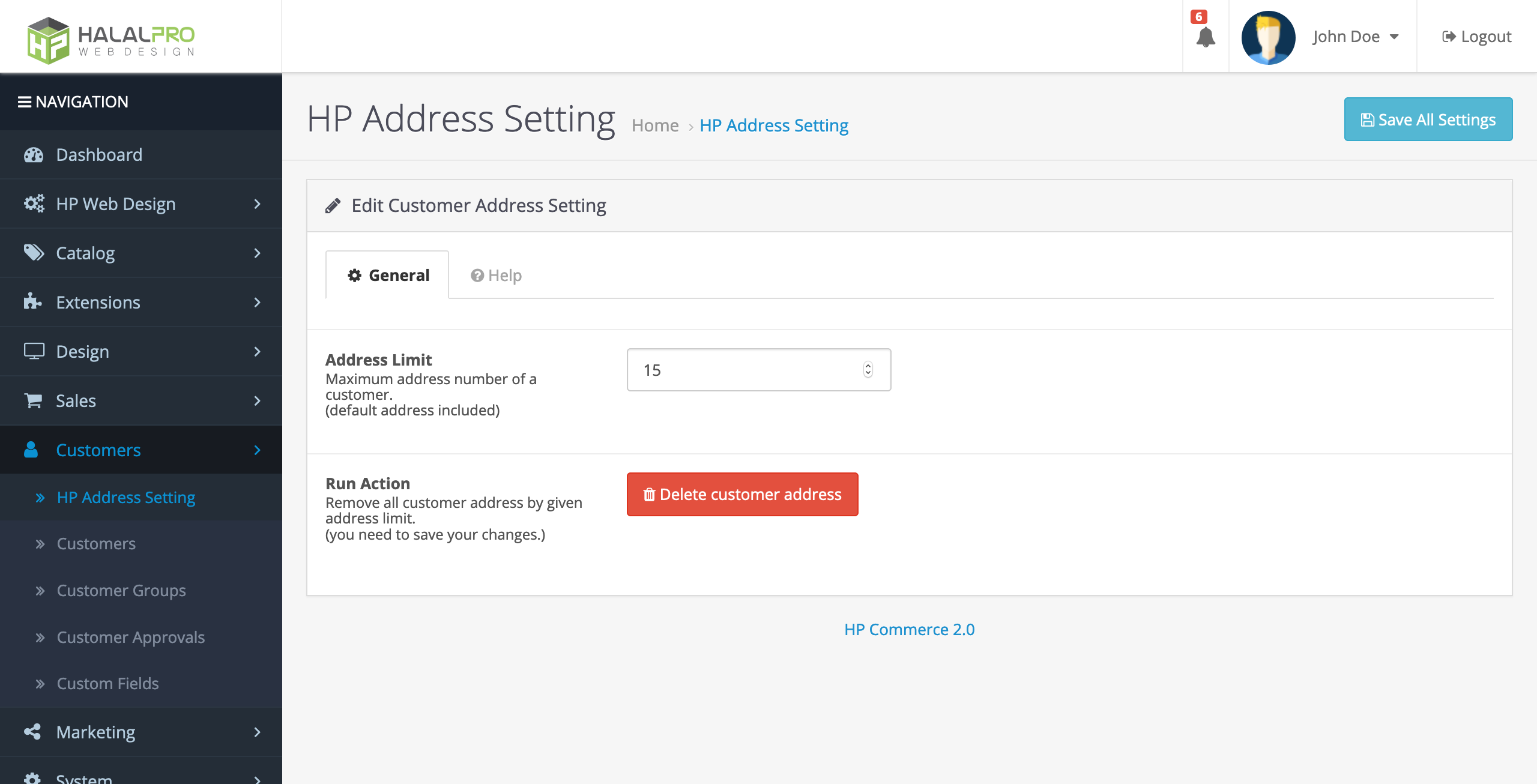
HP Address Seting - Access Extension → modification. Refresh Modification. Then access to this settings page will also be available in the Subscriber submenu as shown above.