
Every OpenCart Extension Purchase Includes Free Installation, One-Year Technical Support, and Expert OpenCart Consulting Every OpenCart Extension Purchase Includes Free Installation, One-Year Technical Support, and Expert OpenCart Consulting Every OpenCart Extension Purchase Includes Free Installation, One-Year Technical Support, and Expert OpenCart Consulting
6281358833040
support@bariklabs.com
Contact Us
Cart Downloads
Wish List (0) My Account

BarikLabs Quick Checkout for OpenCart (AJAX One Page Checkout)

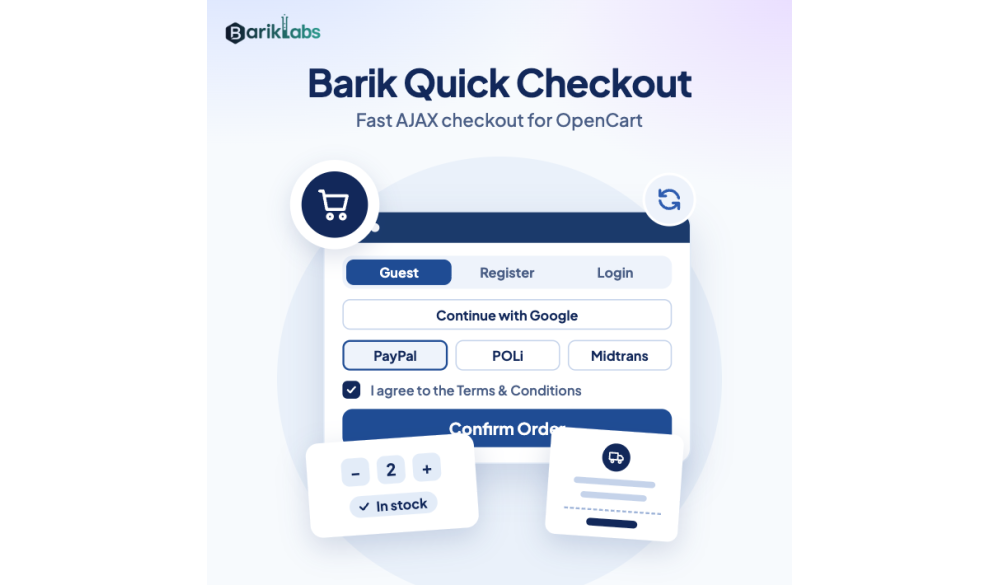
Too many checkout steps create friction. Friction reduces conversions. BarikLabs Quick Checkout streamlines the OpenCart checkout flow with a modern, fast, AJAX-based one page checkout experience designed to help customers complete orders with fewer distractions and fewer form fields.

Primary focus: conversion-driven UI/UX across Cart, Checkout, and Checkout Success pages—fully brandable and upgrade-friendly.

Table of Contents

Why OpenCart Checkouts Fail

Most checkout abandonment happens when customers feel the process is slow, confusing, or demanding too much information. Extra steps, page reloads, and unnecessary fields cause drop-offs—especially on mobile.

If your current OpenCart checkout looks outdated or requires too many interactions, you’re not losing visitors—you’re losing buyers. A faster, cleaner checkout can reduce friction and help more customers reach the payment confirmation.

What Is BarikLabs Quick Checkout?

BarikLabs Quick Checkout is a premium OpenCart quick checkout extension that replaces the default checkout with a streamlined, conversion-focused layout. It delivers a modern checkout interface with fewer steps, smart field control, and AJAX updates.

  • OpenCart one page checkout experience (AJAX-driven)
  • Modern UI/UX across cart, checkout, and success pages
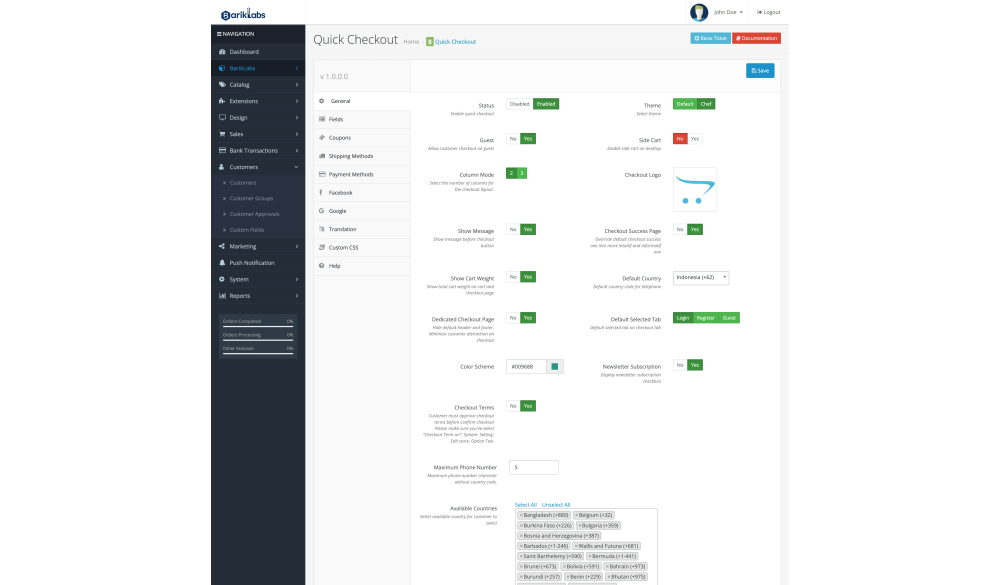
  • Flexible layouts: 2 columns or 3 columns
  • Optional Shopify-style checkout layout for familiar flow
  • Dedicated checkout mode (no header/footer) for higher focus

Key Benefits

  • Less friction: reduce unnecessary steps and page reloads.
  • Higher trust: show payment and shipping logos at the decision point.
  • Faster completion: simplify fields to only what matters.
  • Better mobile UX: clean, responsive layout that’s easier to finish on small screens.
  • Brand consistency: customizable color scheme to match your store identity.

Feature Highlights

1) Stunning UI/UX Across Cart, Checkout & Success Page

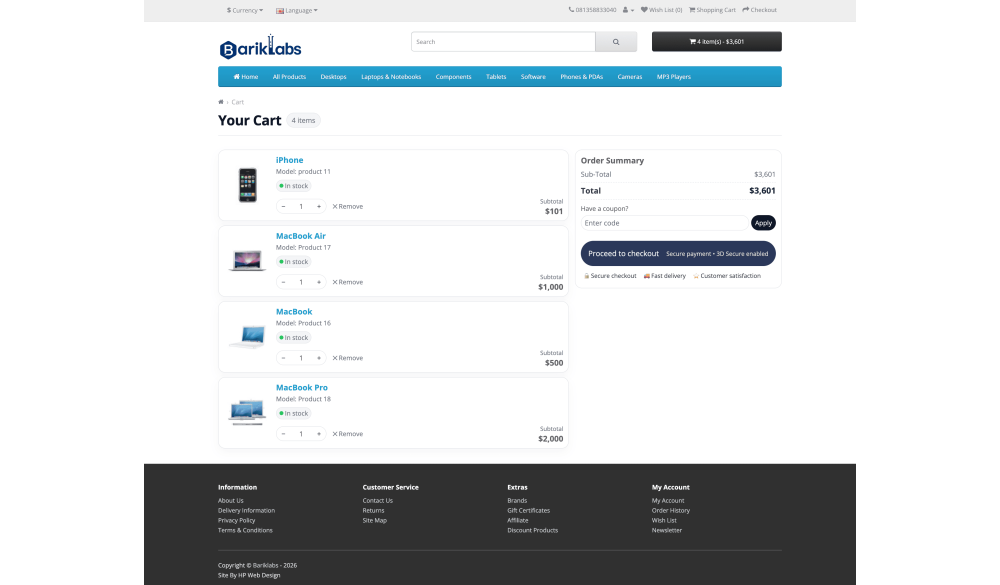
Your checkout is part of your brand experience. BarikLabs Quick Checkout upgrades the look and usability of the entire purchase journey: Cart, Checkout, and Checkout Success pages. The interface is clean, modern, and designed to reduce cognitive load.

Brandable color scheme: adjust the color scheme to match your theme without rebuilding your layout.

2) Add Payment & Shipping Images (Trust Boosters)

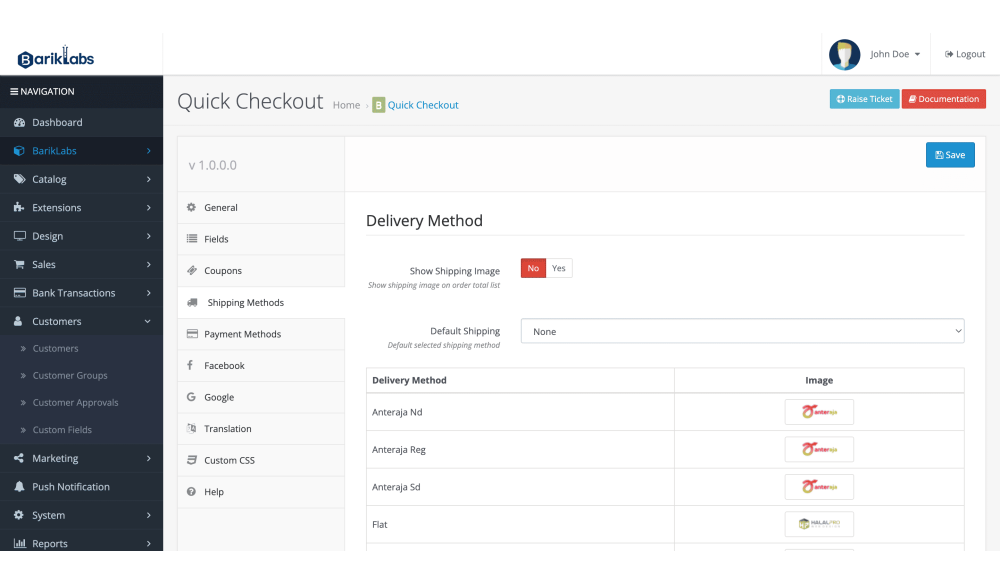
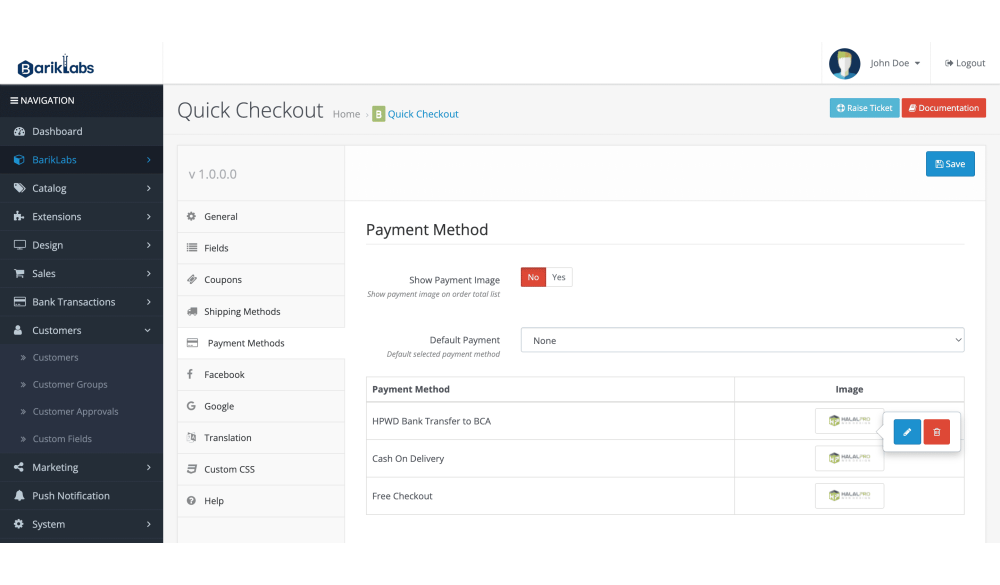
Increase confidence with recognizable visuals. Display payment gateway logos and shipping provider images to help customers feel secure before they place an order.

3) Simplify Checkout Fields

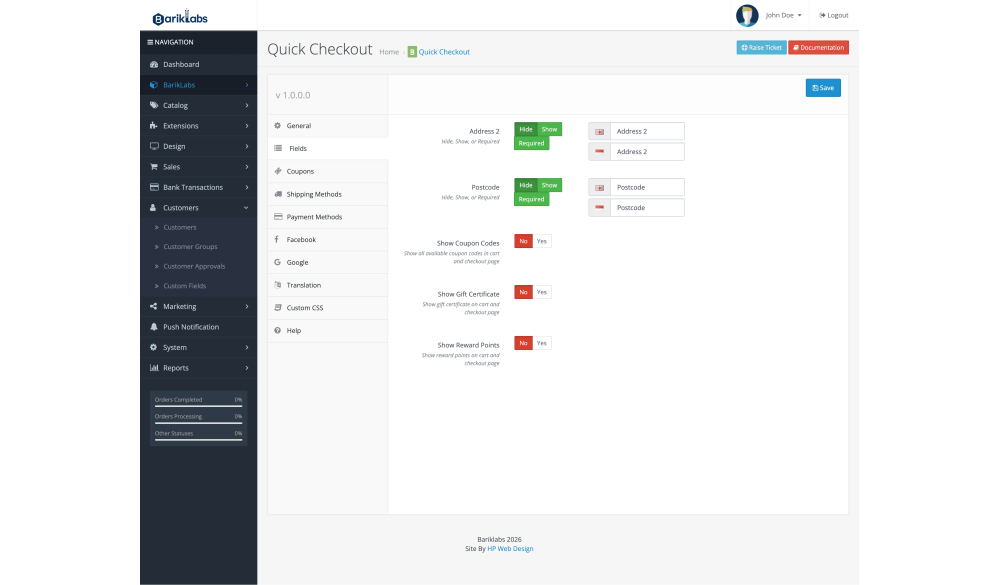
Long forms reduce completion rates. Hide, remove, or streamline unnecessary fields so customers can finish faster—especially on mobile.

4) Any Payment Gateway Compatible

BarikLabs Quick Checkout is designed to be gateway-friendly. Whether you use popular OpenCart payment modules or custom gateways, the checkout flow remains compatible and upgrade-safe.

5) Fully AJAX-Based (No Reload Checkout)

AJAX updates keep the customer in flow. Shipping and payment method changes can update dynamically without interrupting the checkout with full page refreshes.

6) Dedicated Checkout Mode (No Header/Footer)

Want a distraction-free checkout page? Enable dedicated mode to remove header and footer elements so customers stay focused on one goal: completing the payment.

2-Column / 3-Column Layout + Shopify-Style Checkout

Switchable 2-Column or 3-Column Checkout Layout

Different stores need different checkout structures. BarikLabs Quick Checkout lets you switch between a 2-column checkout or 3-column checkout layout to match your product type and your customer behavior. Reduce scrolling, keep order summary visible, and create a cleaner path to payment.

Shopify-Style Checkout Layout (Familiar Flow = Faster Decisions)

Familiar interfaces convert better. With an optional Shopify-inspired layout, customers see a clean, structured checkout that feels modern and easy to complete—helping reduce hesitation and speed up decisions.

Payment Gateway Compatibility

BarikLabs Quick Checkout is built to work with a wide range of OpenCart payment gateways and shipping extensions. It does not lock you into a specific provider and supports typical checkout requirements in real-world OpenCart stores.

Tip: If your store uses specialized checkout logic (custom totals, custom shipping rules, unusual address flows), we can advise the best configuration so your checkout remains stable and fast.

Ready to Upgrade Your OpenCart Checkout?

BarikLabs Quick Checkout is built for store owners who want a modern OpenCart checkout extension that looks premium, loads fast, and helps more customers complete purchases.

Request a Demo / Pricing | Read the FAQ

FAQ

Is BarikLabs Quick Checkout a one page checkout for OpenCart?

Yes. It’s designed as an AJAX-based OpenCart one page checkout experience to reduce steps and keep customers in a smooth flow.

Can I switch between 2 columns and 3 columns?

Yes. You can choose a 2-column or 3-column checkout layout depending on your preference and what converts best for your store.

Does it support a Shopify-style checkout layout?

Yes. BarikLabs Quick Checkout can adapt a Shopify-inspired checkout layout to provide a familiar, modern structure.

Can I remove header and footer on checkout?

Yes. Dedicated Checkout Mode allows a distraction-free checkout page without header/footer navigation.

Will it work with my payment gateway and shipping module?

In most cases, yes. It’s built to be compatible with common OpenCart payment gateways and shipping extensions. If you have a custom gateway, we can guide the best configuration.

Latest Version v1.0.0.0 (05 February 2026)

Please login or register to review