
Barik Blog - Professional Blog & Content Management for OpenCart
- $100.00
$34.99
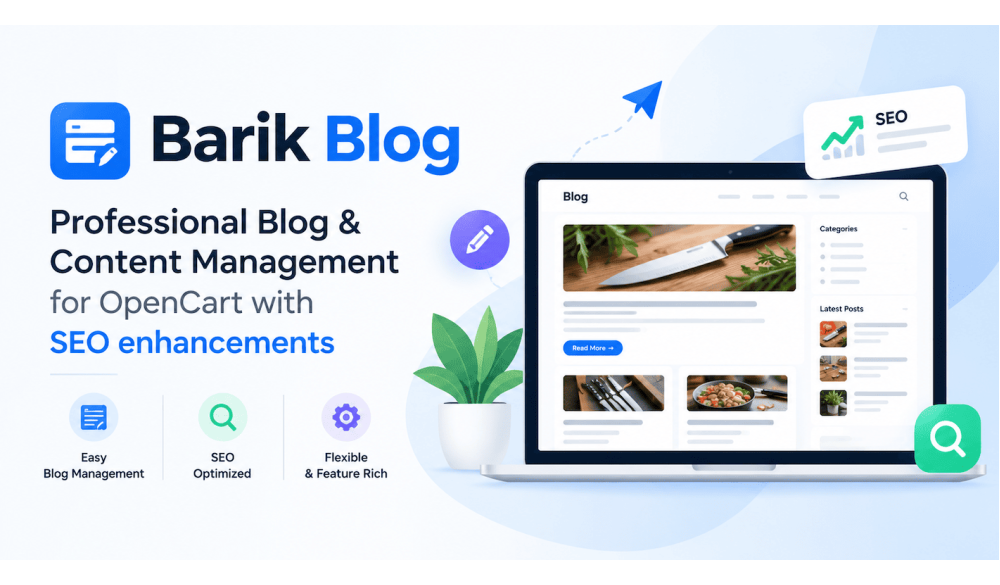
Professional Blog & Content Management for OpenCart
Create, manage, and publish SEO-friendly content directly from your OpenCart store — no separate CMS required.
Barik Blog brings everything you need to run a professional blog into your OpenCart admin: content management, categories, automatic Table of Contents, structured data, comments, and multi-store support.
1. Build a Complete Blog Inside OpenCart
Barik Blog brings blog management directly into your OpenCart administration, so you can manage all your content in one place without a separate CMS.
Manage your:
- Posts
- Categories
- Authors
- Tags
- Comments
- Blog settings
- Reports
2. Create & Manage Content Easily
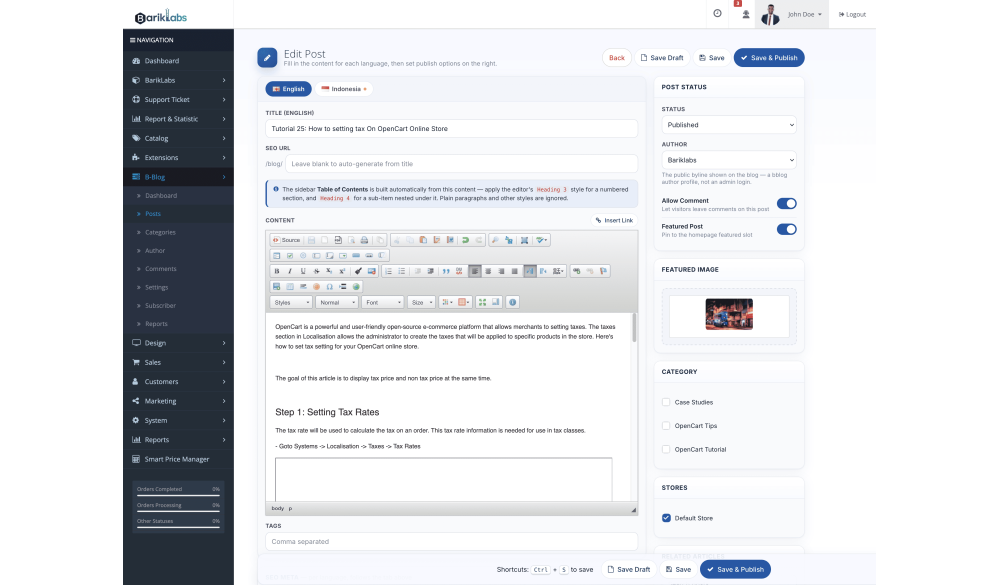
Writing and publishing blog content shouldn't require learning a new tool — Barik Blog gives you a familiar WYSIWYG editor so you can create professional posts without a learning curve.
Includes:
- WYSIWYG post editor
- Featured posts
- Categories and tags
- Author management
- Publication controls
- Media and image support
3. A Professional Blog Homepage
A blog buried under a single post list feels unfinished — Barik Blog gives your content a proper homepage, so visitors land somewhere that actually showcases what you publish.
Your blog home can include:
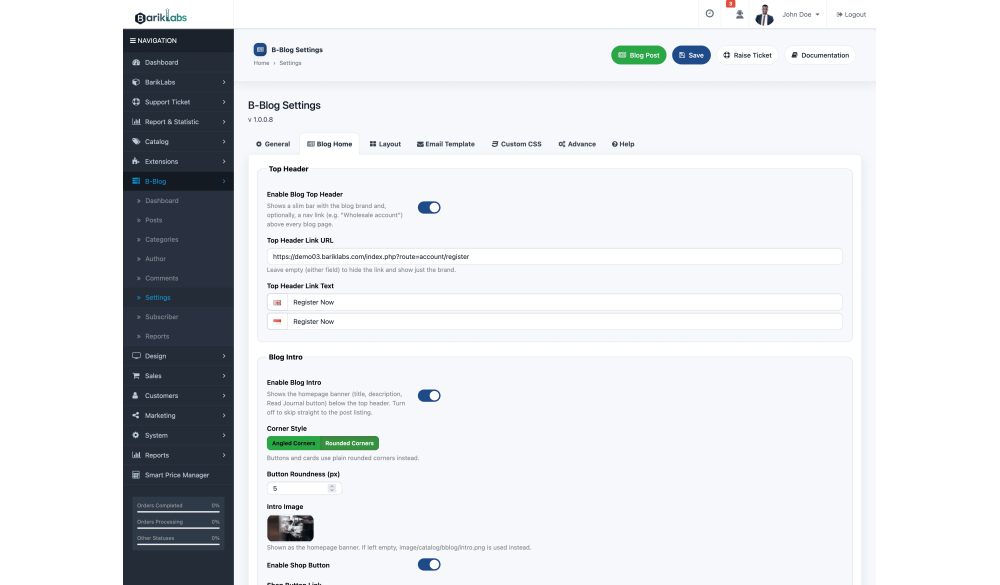
- Blog introduction
- Featured posts
- Latest posts
- Blog categories
- Additional blog modules
4. Better Reading Experience
Content that's hard to read gets abandoned — Barik Blog is built to keep visitors engaged, from clean layouts to easy navigation between related articles.
Includes:
- Responsive design
- Clean article layout
- Related posts
- Category/tag navigation
- Author information
- Comments
5. Automatic Table of Contents
Manually building a table of contents for every article wastes time — Barik Blog generates one automatically from your post headings, so readers can jump straight to what they need.
Highlights:
- Auto-generated from headings
- Improves navigation on long posts
- No manual setup required
6. Built with SEO in Mind
Blog content that search engines can't understand won't get discovered — Barik Blog provides the technical SEO foundation needed to help your content get properly indexed.
Includes:
- SEO-friendly URLs
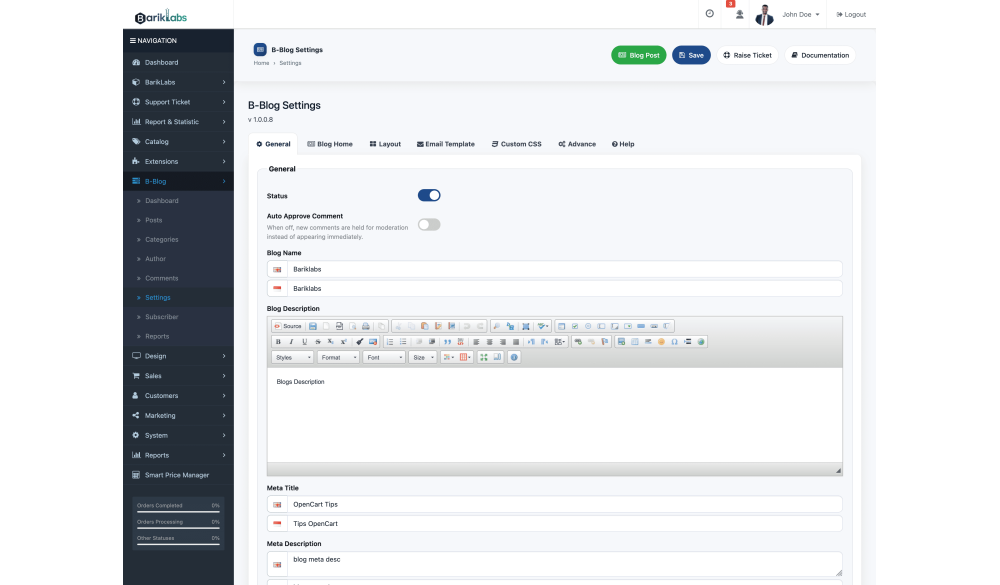
- Custom meta title
- Meta description
- SEO keywords/metadata
- Proper heading structure
- Blog/category/tag pages designed for search engines
7. Structured Data Built In
Search engines rely on structured data to understand context — without it, your blog content risks being misread or underrepresented in search results. Barik Blog generates this automatically.
Includes:
- Automatic structured data generation
- Helps search engines understand your content
- (specific schema types to be confirmed — Article, BlogPosting, BreadcrumbList, etc.)
8. Organize Content Your Way
As your blog grows, unorganized content becomes hard to navigate — Barik Blog gives visitors clear paths to discover more of what they're already interested in.
Includes:
- Category support
- Tag support
- Related posts
- Author pages/information
9. Engage With Your Customers
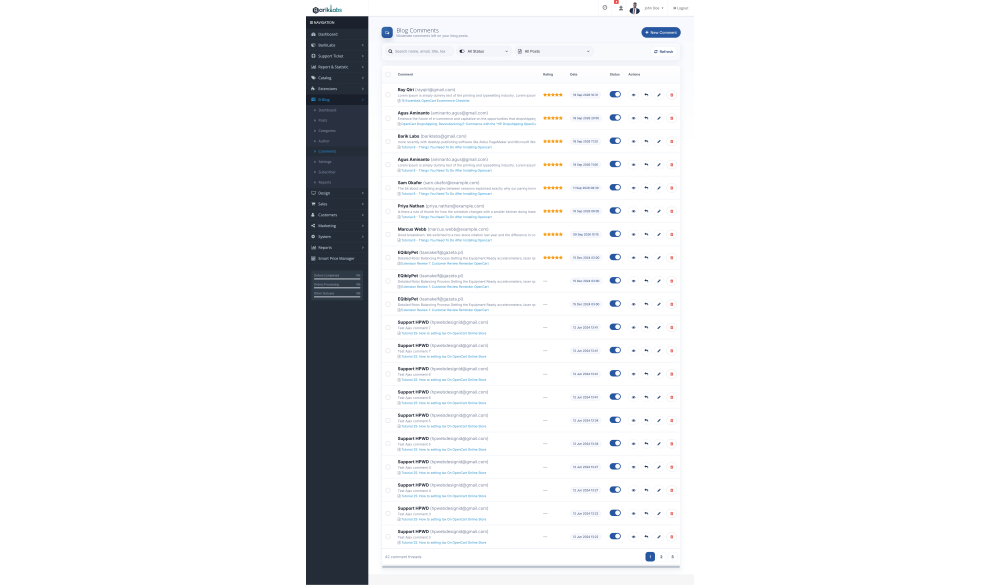
A blog without interaction misses a chance to build community — Barik Blog's built-in comment system lets visitors engage directly, without needing a third-party plugin.
Manage:
- View comments
- Manage comments
- Moderate content
- Control comment settings
10. Notify Subscribers of New Posts
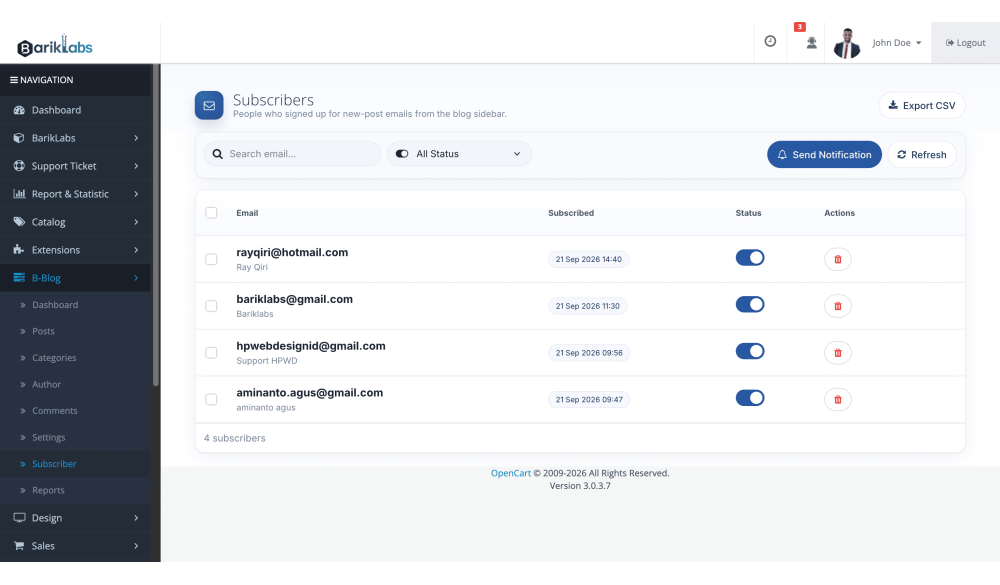
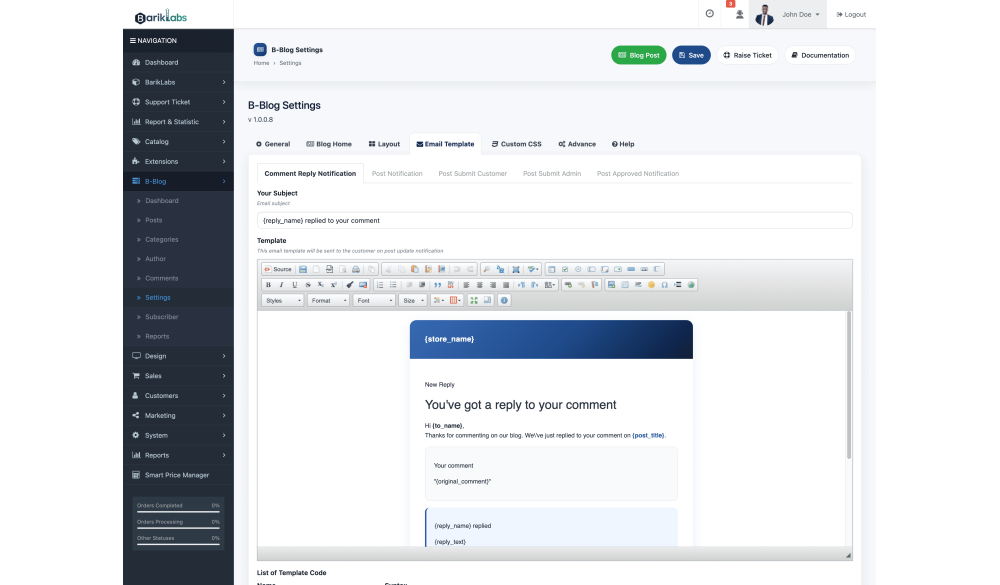
Great content only works if people know it exists — Barik Blog automatically notifies your subscribers by email whenever a new post goes live, bringing readers back to your store.
Includes:
- Automatic new post notification email
- Customizable email subject and template
- Keeps subscribers coming back to your blog and store
11. Multi-Language & Multi-Store
Running multiple stores or languages shouldn't mean managing multiple blogs — Barik Blog works natively with OpenCart's multi-store and multi-language setup.
Includes:
- Multi-language content management
- Multi-store support
- Centralized management inside OpenCart
12. Simple Administration
A blog extension that's hard to manage adds work instead of saving it — Barik Blog keeps everything organized in a straightforward admin structure.
Your admin includes:
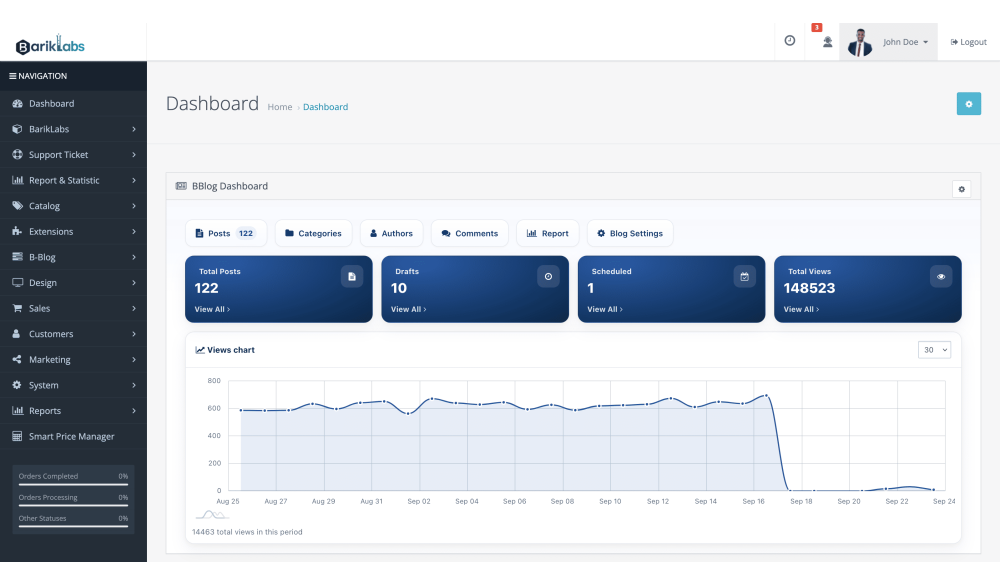
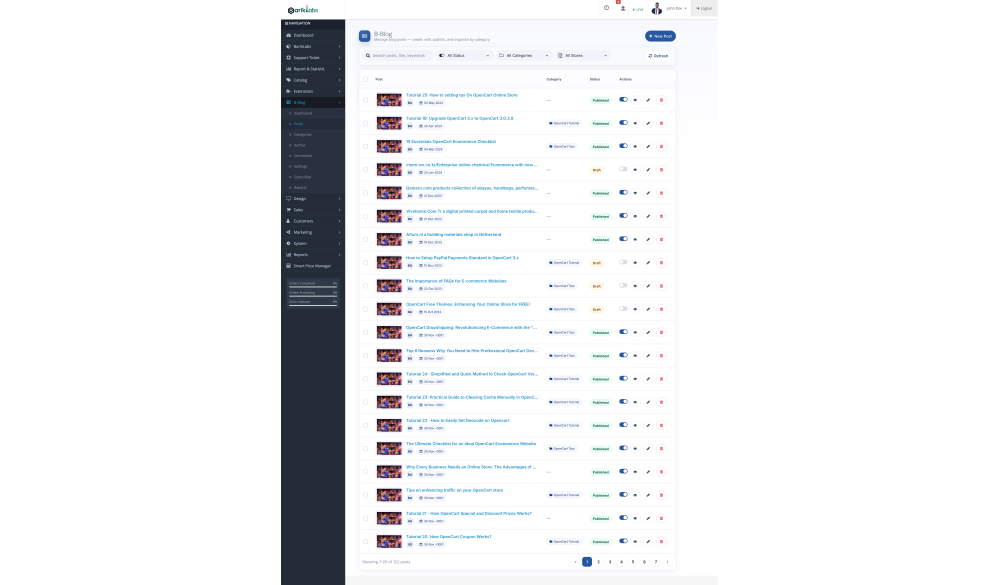
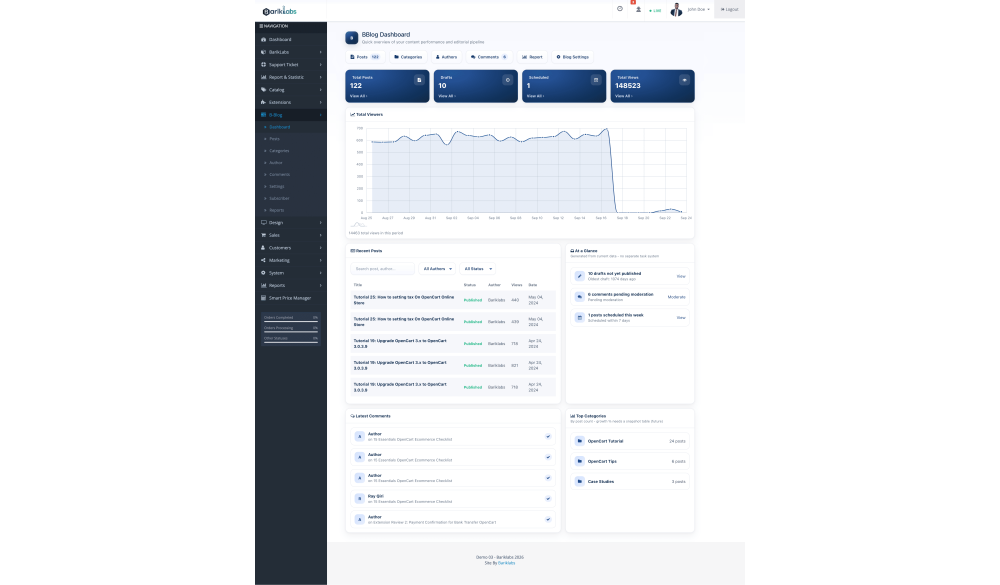
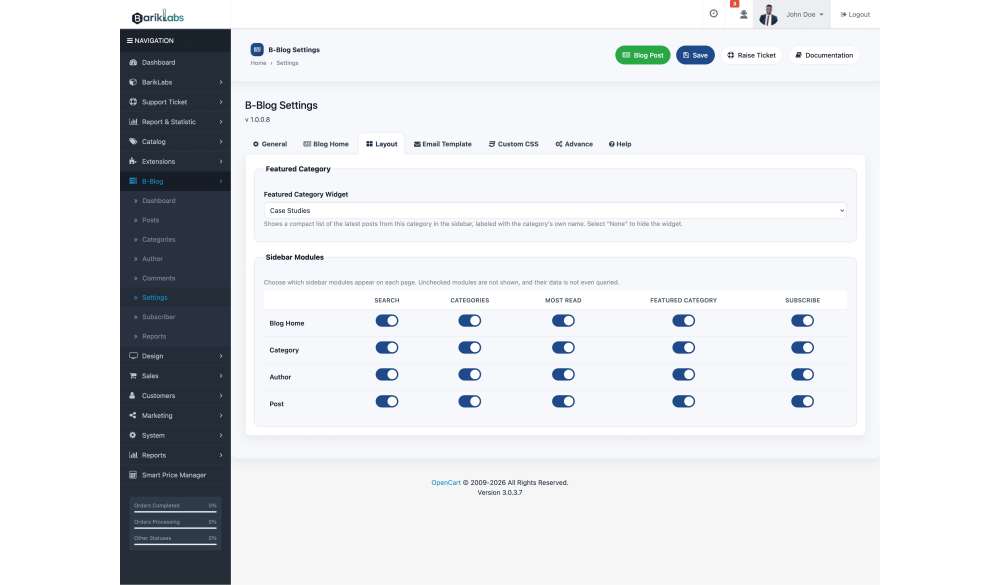
- Dashboard — overview of your blog
- Posts — create and manage articles
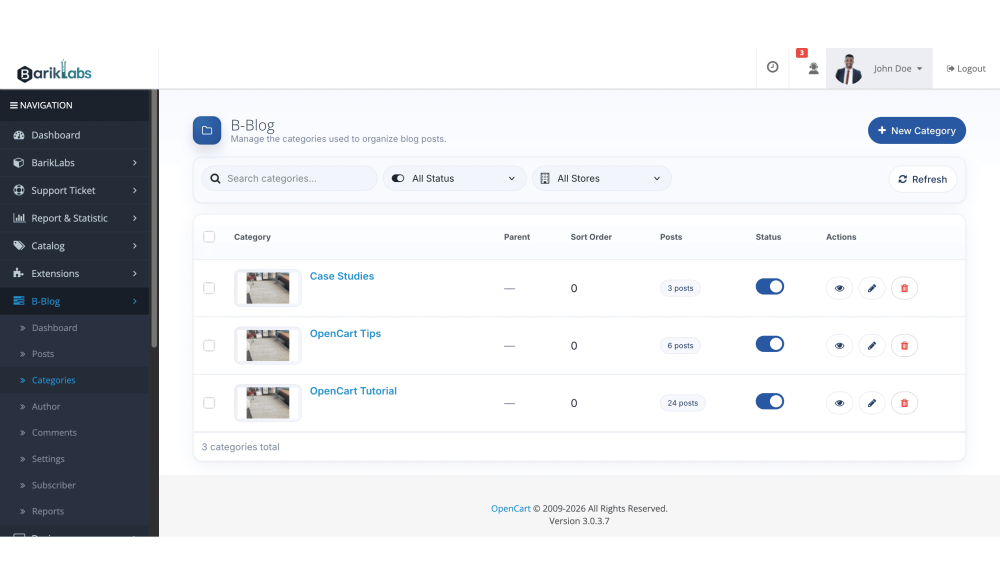
- Categories — organize content
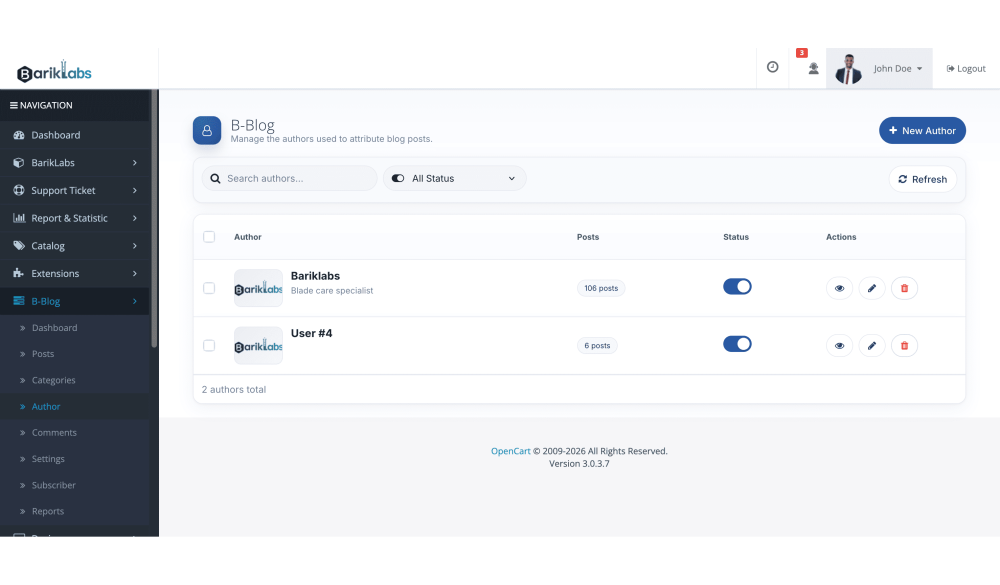
- Author — manage article authors
- Comments — manage visitor comments
- Settings — configure your blog
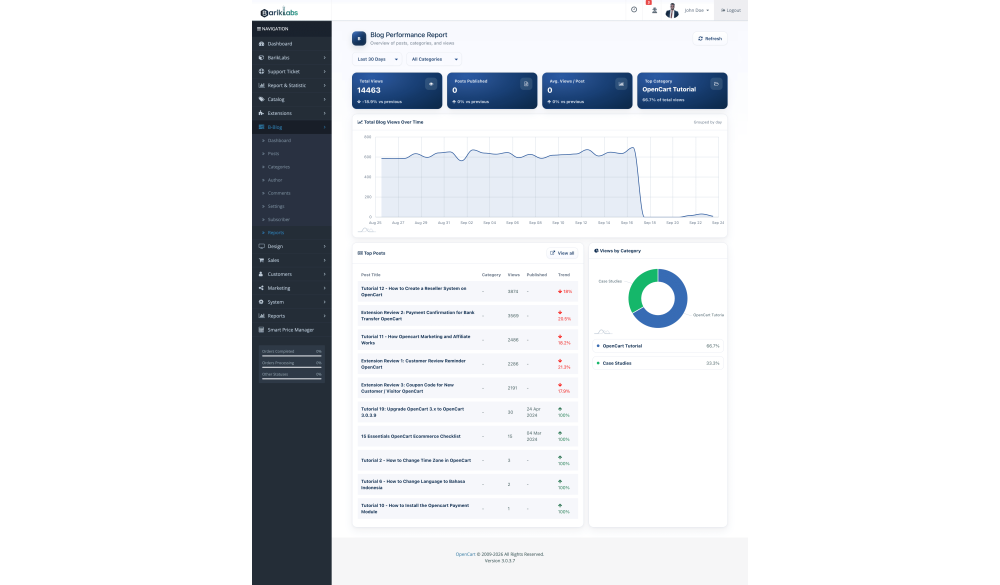
- Reports — monitor blog activity
13. Designed for OpenCart
Generic blog plugins often feel bolted-on — Barik Blog is built specifically for OpenCart, so your blog and store operate as one platform, not two.
Includes:
- OpenCart admin integration
- OpenCart user/admin system
- Multi-language and multi-store support
- Responsive frontend
- Designed for OpenCart themes
14. Technical Information
Platform
- OpenCart compatibility: 3.0.x.x
- PHP requirements
Features
- Multi-language
- Multi-store
- Responsive
- SEO-friendly URLs
- Structured data
Installation
- OpenCart Extension Installer
- Configuration through admin
| Specification | |
| License | Single Domain License |
| Compatibility | 3.0.5.1, 3.0.5.0, 3.0.4.1, 3.0.4.0, 3.0.3.9, 3.0.3.8, 3.0.3.7, 3.0.3.6, 3.0.3.3, 3.0.3.2, 3.0.3.1, 3.0.3.0, 3.0.2.0, 3.0.1.3, 3.0.1.2, 3.0.1.1, 3.0.0.0 |
| Documentation | |
| Multi-lingual Support | YES |
| Override Core Files | NO |